
- New
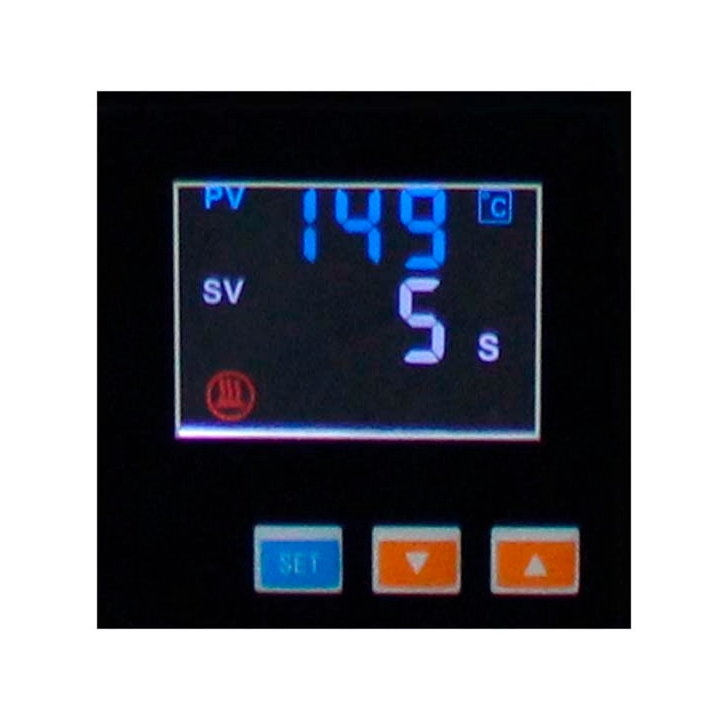
Rosin Press Controller images
LCD screen that controls and establishes the temperature of each of the plates. Valid for all presses, standard replacement.
LCD screen that controls and establishes the temperature of each of the plates. Valid for all presses, standard replacement.
How to use:
1- Press the on / off button located on the side of the press.
2- Press the "SET" button once, the display will show "SP". Press? or? until the desired temperature is selected.
3- Press "SET" again and the display will show "ST". Press? or? until the desired time is selected.
4- Press "SET" one last time to complete the configuration.
5- Insert objects when the machine has reached the desired temperature, close the plates and wait.
6- When the time is up, the machine will sound, then lift the plates and remove the objects.
 Política de seguridad
 Política de entrega
 Política de devolución


Comments (0)
Your review appreciation cannot be sent
Report comment
Report sent
Your report cannot be sent